It’s Monday morning. Your campaign has been running for a week, and the number in your analytics dashboard looks promising: 1,800 people have visited your event landing page. Then you open your registration dashboard—and you see only 140 registrations. A conversion rate of just under 8%. Not terrible, but you know it could be much better.
The uncomfortable truth is that most attendees aren’t lost because your event isn’t interesting. They disappear somewhere between clicking “Register Now” and reaching the confirmation page. A registration form that’s too long, one required field too many, a loading issue on mobile, or a confirmation email that lands in spam. Every one of these friction points costs you registrations you’ve already paid for with time, budget, and marketing efforts.
The good news: the registration process is one of the few parts of event marketing that you can almost completely control. With AI-powered tools, it can now be automated and streamlined so effectively that the same number of visitors can generate significantly more registrations.
In this article, you’ll learn exactly where registrations are lost and how to optimize every stage of your registration funnel.
1. Understand Your Registration Funnel Before You Optimize It
Before making any changes, you need data. A typical registration funnel consists of four stages:
- Landing page visit
- Click on the registration button
- Registration form started
- Registration completed
The key metric isn’t just your overall conversion rate—it’s the drop-off between each stage.
In practice, the biggest loss almost always happens between starting the form and completing it. Studies on online forms consistently show that users are more likely to abandon a form with every additional required field. Forms with more than five fields generally lose considerably more prospects than shorter ones.
If you only measure one KPI, make it this: How many people who start your registration form actually submit it?
Pro Tip: Measure your current performance for at least one week before making changes. Without a baseline, you won’t know whether your optimizations actually improved results.
2. Cut Your Registration Form Down—and Let AI Handle the Rest
The single most effective improvement is usually simple: remove fields. Every piece of information you ask for creates another opportunity for users to abandon the process.
The real question isn’t, “What would be nice to know?” It’s, “What information do I truly need to get this person through the door on event day?”
For most events, a name and email address are enough. Job title, company size, dietary preferences, or session choices can be collected later in a follow-up email once the attendee has already committed.
This approach is called progressive profiling: convert first, enrich the profile later.
This is where AI becomes especially valuable. Modern registration platforms can identify a participant’s company from a business email address and automatically pre-fill additional fields instead of asking attendees to type everything themselves.
Instead of entering ten pieces of information, attendees only provide two—and the system fills in the rest behind the scenes. Less friction, same data quality.
3. Make Registration Mobile-First—Because Your Attendees Already Are
A significant share of registrations now happens on smartphones, often directly from LinkedIn or Instagram. Yet many registration forms are still designed primarily for desktop users, with tiny input fields, awkward dropdown menus, or date pickers that are difficult to use on mobile devices.
Test your entire registration journey on your own phone—from clicking the ad all the way to the confirmation page.
Pay particular attention to these three questions:
- Does the page load in under three seconds?
- Can every field be completed without zooming?
- If it’s a paid event, can attendees pay with Apple Pay or Google Pay instead of manually entering credit card details?
Every extra second of loading time and every unnecessary typing step can cost you registrations.
4. Use AI for Confirmations and Reminders—Registration Is Only Half the Journey
A registration doesn’t automatically become an attendee. The period between registration and event day is often where the highest no-show rates develop.
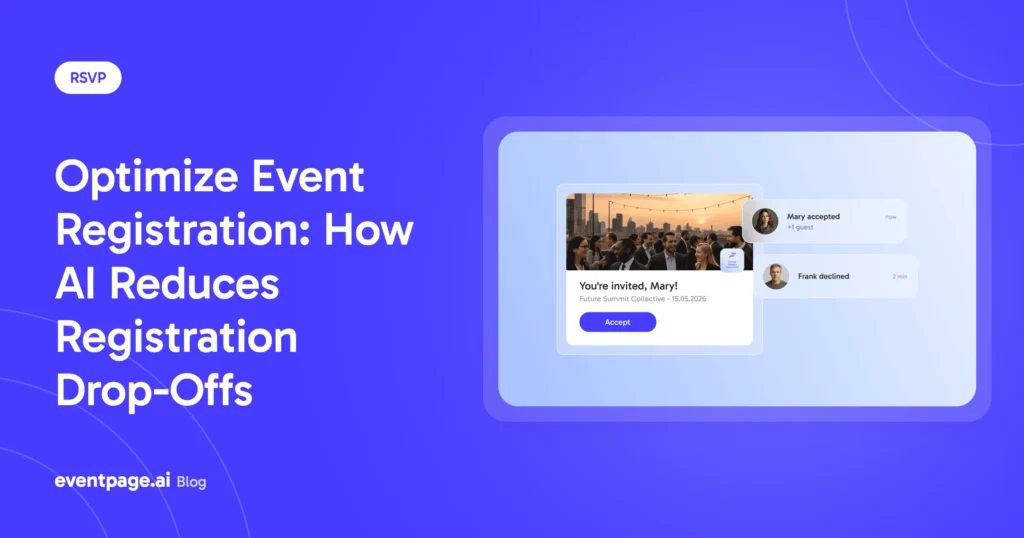
Start with an immediate confirmation email. It should arrive instantly, include a calendar invitation, and clearly explain what happens next.
Then build a thoughtful reminder sequence, for example:
- One email one week before the event
- One reminder the day before
- One final update on the morning of the event
AI-powered systems can automate, personalize, and segment these communications. Attendees registered for Track A receive different content than those attending Track B. Participants who haven’t opened their confirmation email can receive a different reminder than highly engaged attendees.
Automated, behavior-based reminders are one of the strongest tools for reducing no-shows—and they work entirely in the background without requiring manual list management.
5. Turn Registered Attendees into Event Promoters
One of the most overlooked opportunities in the registration process is the confirmation page. Right after registering, excitement is at its highest. Your attendee has just committed to your event and is more likely than ever to share it with others.
Instead of displaying a simple “Thank you for registering,” provide a personalized sharing link.
If you track these referral links individually, you’ll even discover which attendees generate the most additional registrations. This allows you to identify and reward your biggest advocates.
Over time, every registration becomes a potential acquisition channel, allowing your funnel to partially fuel itself.
How eventpage.ai Helps
Most registration improvements don’t fail because of missing knowledge—they fail because of disconnected tools. The landing page runs on one platform, the registration form on another, and reminder emails somewhere else.
That’s exactly where eventpage.ai comes in.
eventpage.ai brings the complete registration journey together in one platform, combining all-in-one ticketing, customizable registration forms, a real-time funnel dashboard, automated notifications, and follow-up emails.
With Guest Segments & Tags, you can deliver personalized communication to different attendee groups. Promoter Links help transform attendees into ambassadors, while AI features enable you to create event copy and reminder emails in minutes instead of hours.
In short: one platform instead of five—eliminating friction exactly where registrations are usually lost.
Conclusion: More Registrations Start with a Better Registration Experience
You don’t necessarily need more traffic to increase attendance. In most cases, improving the path between the first click and the completed registration is enough.
Shorter forms, a mobile-first experience, automated reminders, and a confirmation page designed for sharing can dramatically improve your registration performance.
Measure your baseline, optimize one step at a time, and watch more visitors become registered attendees.
Want to see how eventpage.ai can simplify your registration process and help you manage your entire event journey in one platform? Book a personal demo today.