


eventpage.ai for Slack
RSVPs, ticket sales, approvals and a daily summary of your events, right in Slack.

How to install
- Step 1
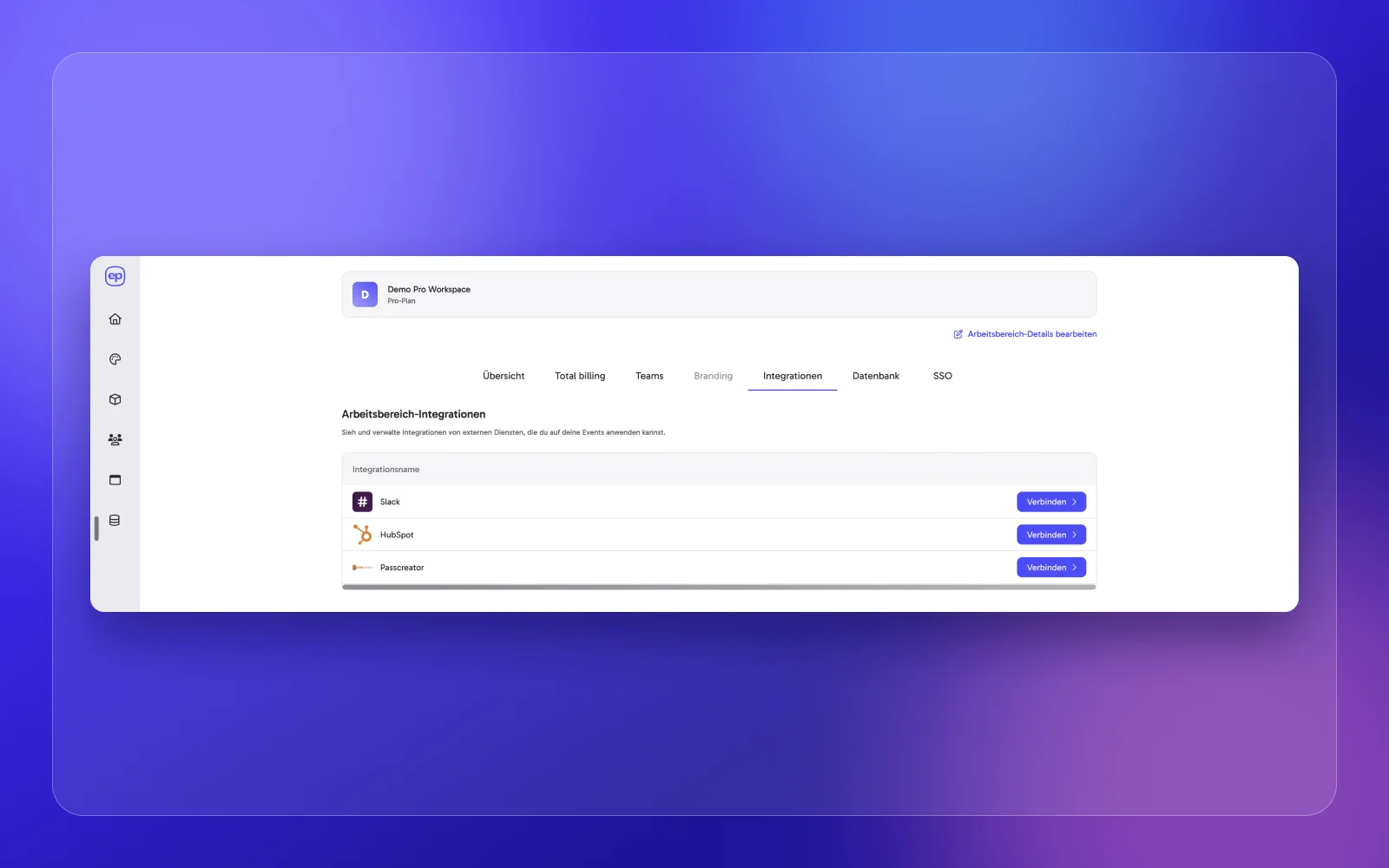
Log in to eventpage.ai and open Workspace > Integrations
- Step 2
Click “Connect” next to Slack

- Step 3
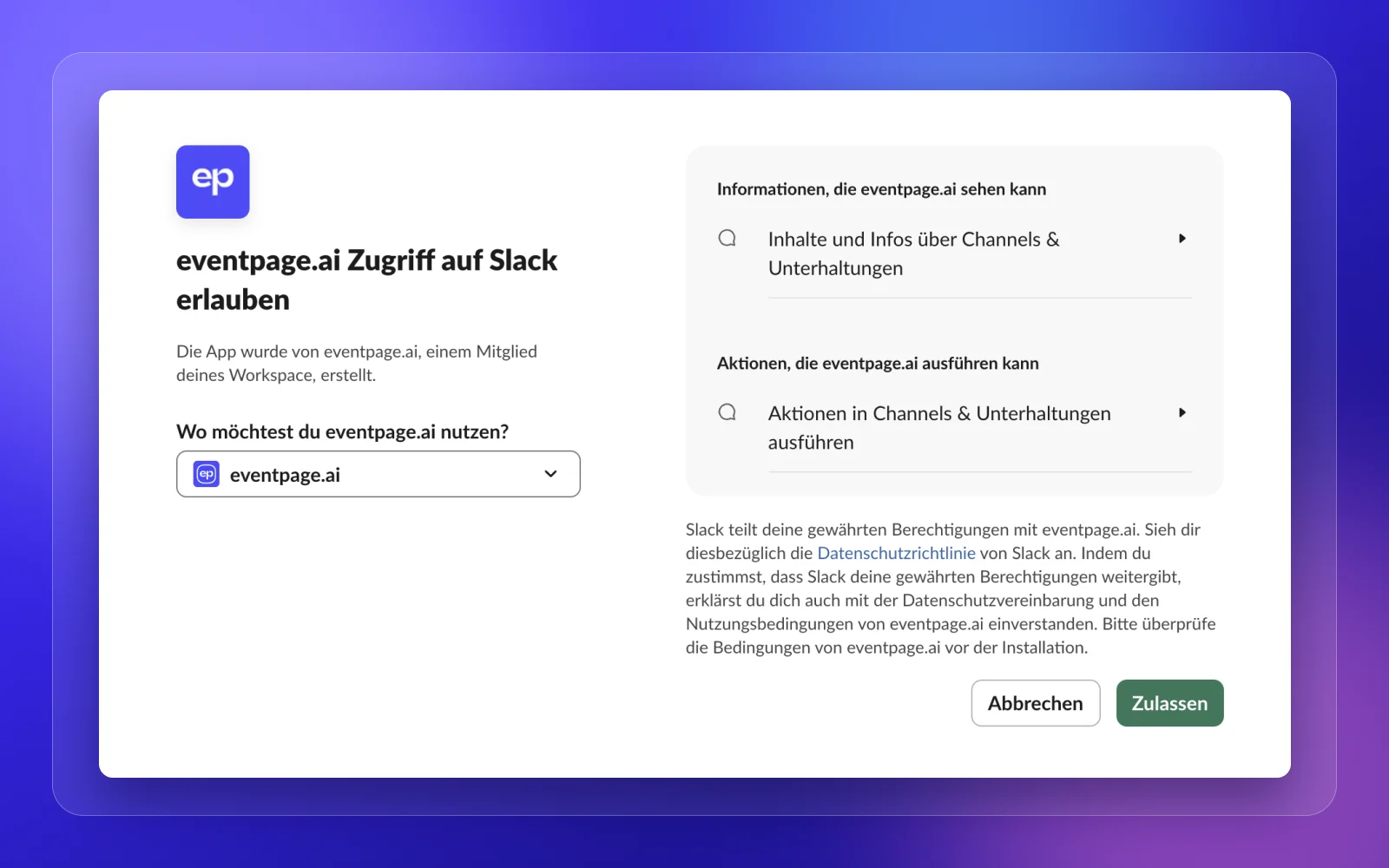
Approve eventpage.ai for your Slack workspace
- Step 4
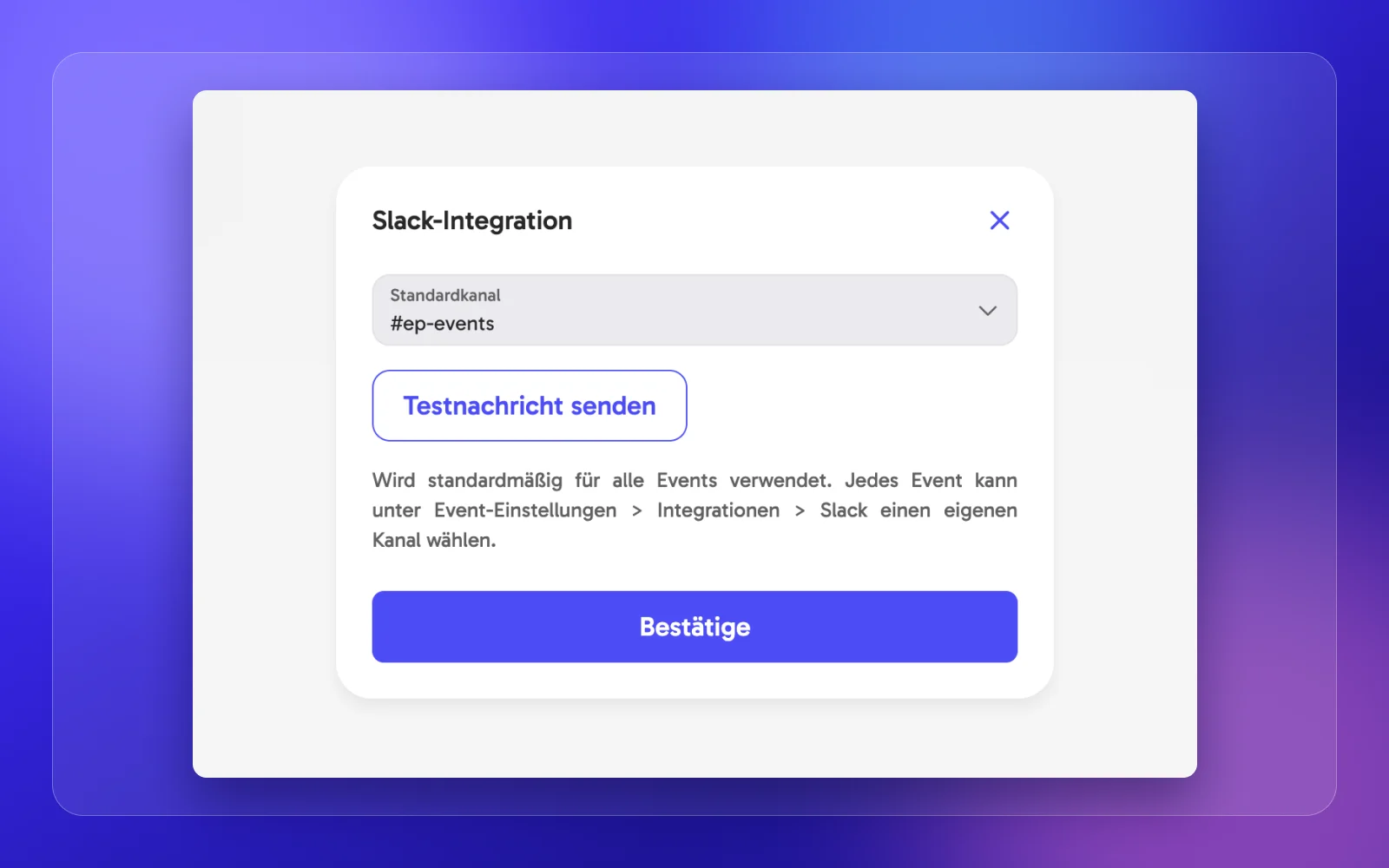
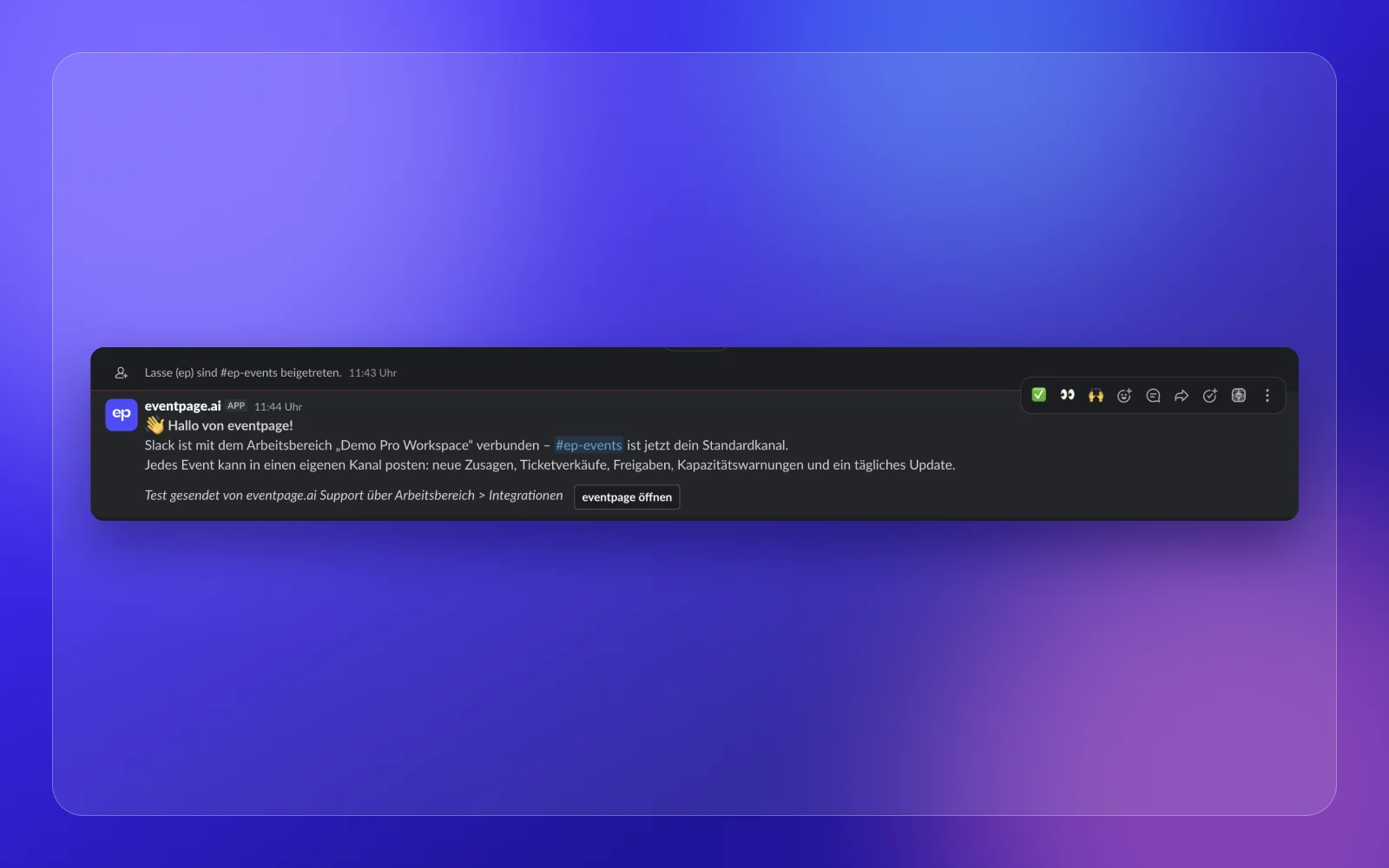
Choose your default channel and send a test message
- Step 5
Optional: pick a different channel per event under Event settings > Integrations > Slack
Permissions and privacy
chat:write / chat:write.publicPosts event updates into the channels you choose.
channels:read / groups:readLists your channels so you can pick one.
eventpage.ai does not read your messages.
Privacy policyUninstall
Disconnect anytime under Workspace > Integrations in eventpage.ai, or remove the app in your Slack workspace settings.
eventpage.ai for Slack - FAQ
Any questions about the Slack integration?
The Slack integration is included in the Enterprise plan. No Zapier or other add-on needed.
Each eventpage.ai workspace connects to one Slack workspace. If you manage several eventpage.ai workspaces, you can connect each of them to its own Slack workspace.
Yes. partypage, weddingpage and clubpage.ai use the same Slack integration. Connect Slack once and choose your channels the same way.
No. eventpage.ai only posts event updates to the channels you choose and lists your channels so you can pick one.
Help and support
Questions about installing or using the Slack integration? We are happy to help.