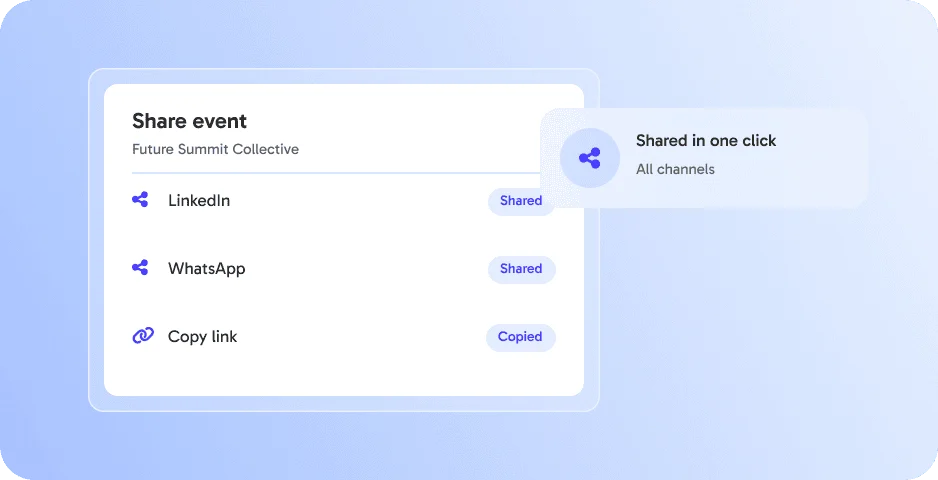
Share in one click
Share your eventpage on LinkedIn, Instagram, WhatsApp and more. 👉 Maximize reach effortlessly.




Share your eventpage on LinkedIn, Instagram, WhatsApp and more. 👉 Maximize reach effortlessly.
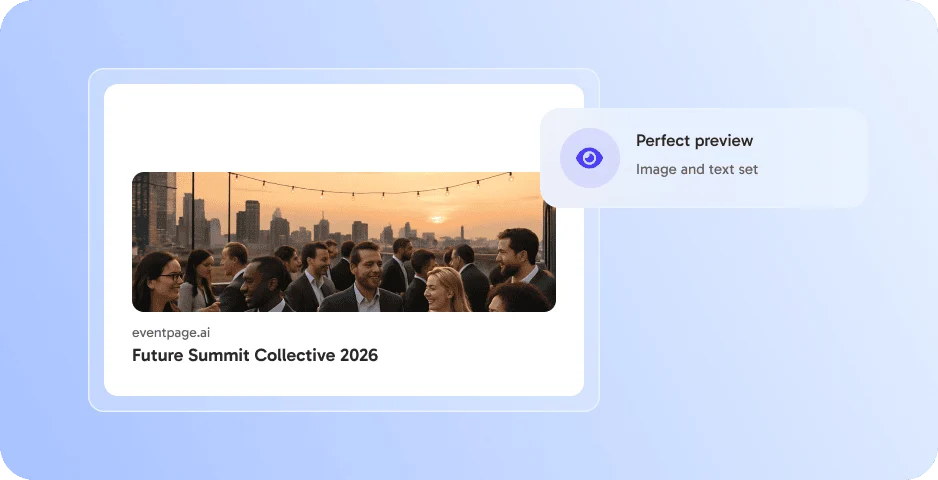
Custom images and texts make every shared link look professional. 👉 More clicks per post.
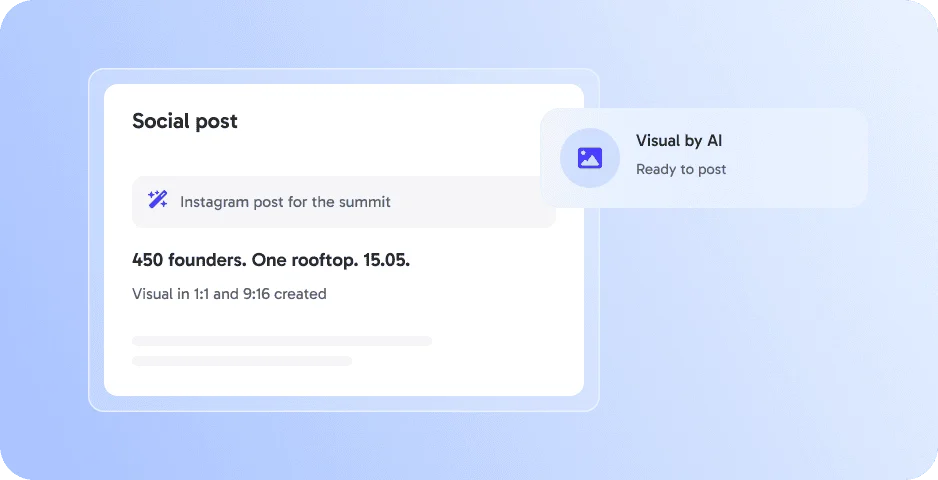
Create matching social media visuals with AI. 👉 Ready to post in seconds.
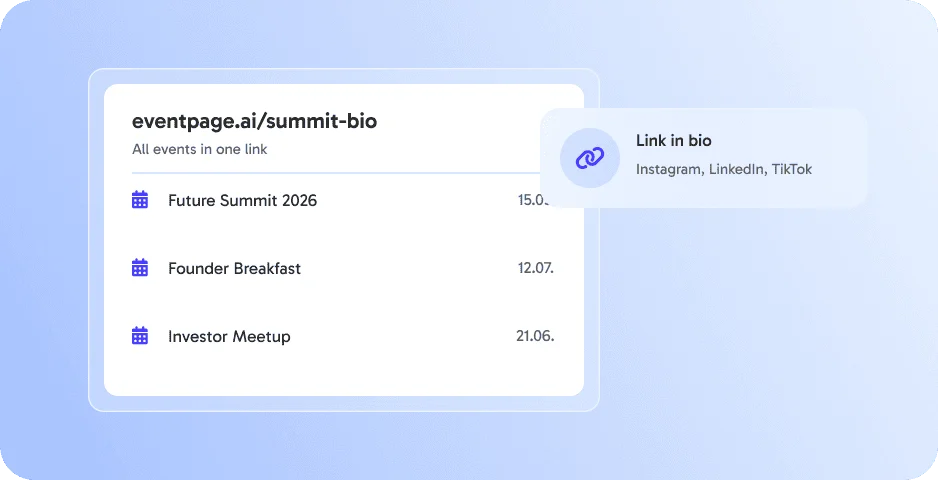
Share all your events in one link with your own event link bio. 👉 Perfect for social media.
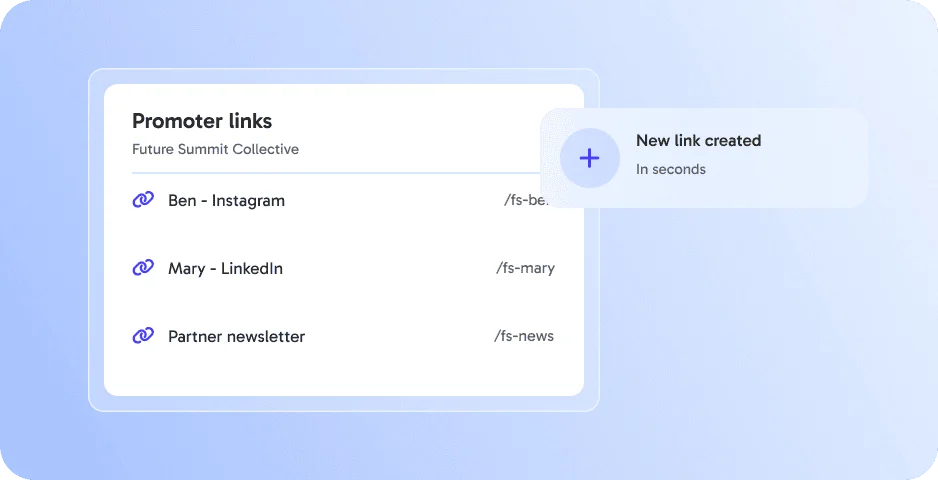
Create individual tracking links for promoters & partners. 👉 Measure success and reward efforts.
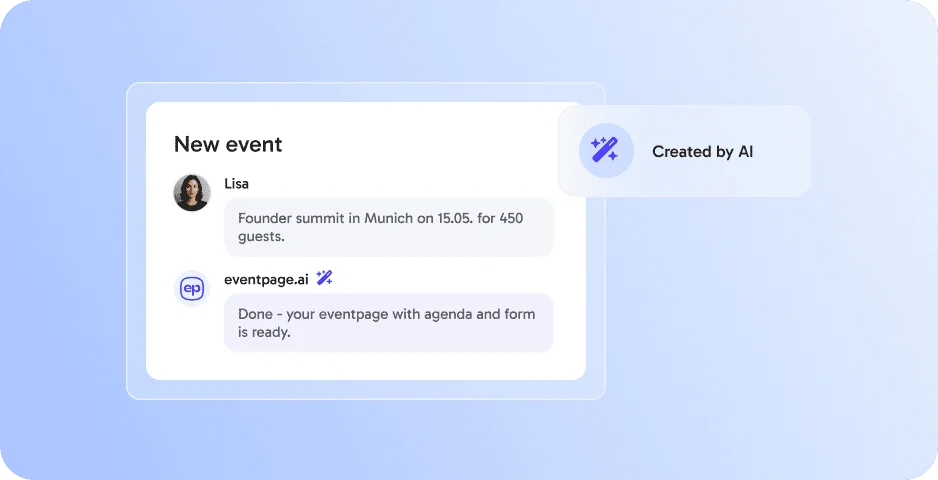
Let AI do the heavy lifting: generate complete event pages, texts, and structures in minutes. 👉 Save time & launch faster.
Social Sharing works best together with these features - all in one platform, without extra tools.
Social Sharing lets you and your guests share your eventpage on social media or via invite links with one click.
Yes. Guests can share your event and spread the word for you.
You set the link preview with title, description and image in the SEO settings.
With promoter links and campaign tracking you can see which channels bring guests.
By submitting the form, I confirm that I have read the privacy policy and agree to the processing of my personal data by eventpage.ai for the stated purposes. In case of consent, I can revoke my agreement at any time.