Custom titles & meta tags
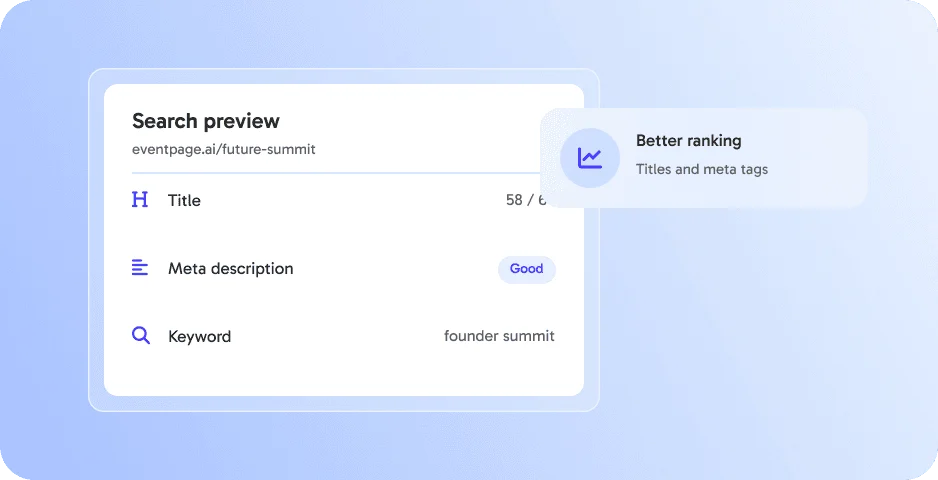
Control how your event appears in search results. 👉 Increase visibility effortlessly.




Control how your event appears in search results. 👉 Increase visibility effortlessly.
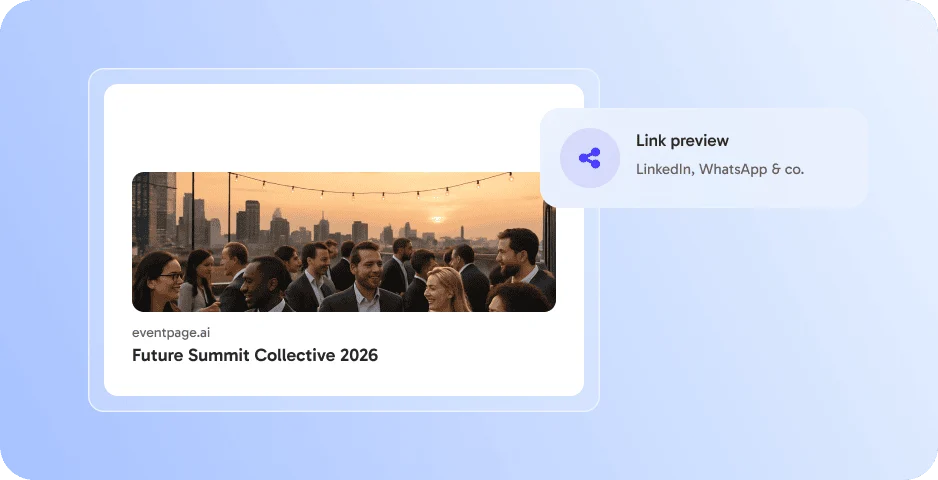
Define image and text for previews on LinkedIn, WhatsApp and co. 👉 More clicks on every share.
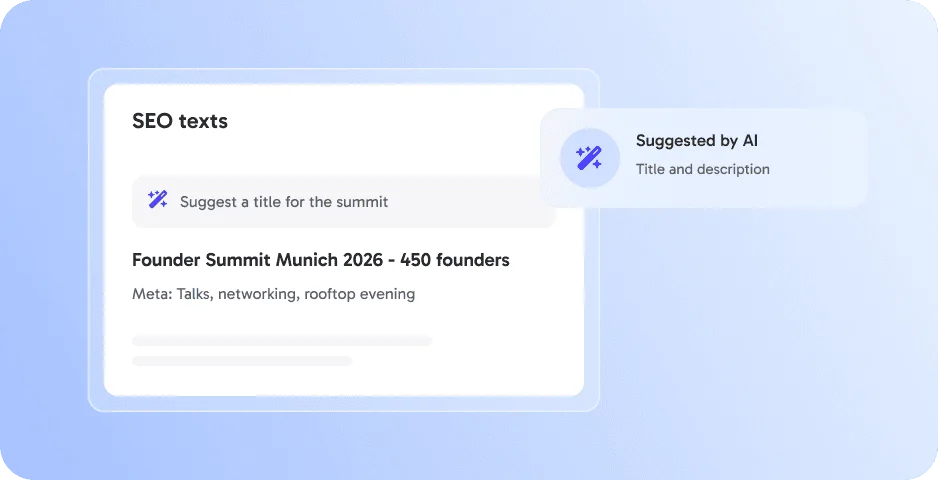
Let AI suggest titles and descriptions for your eventpage. 👉 Optimized in seconds.
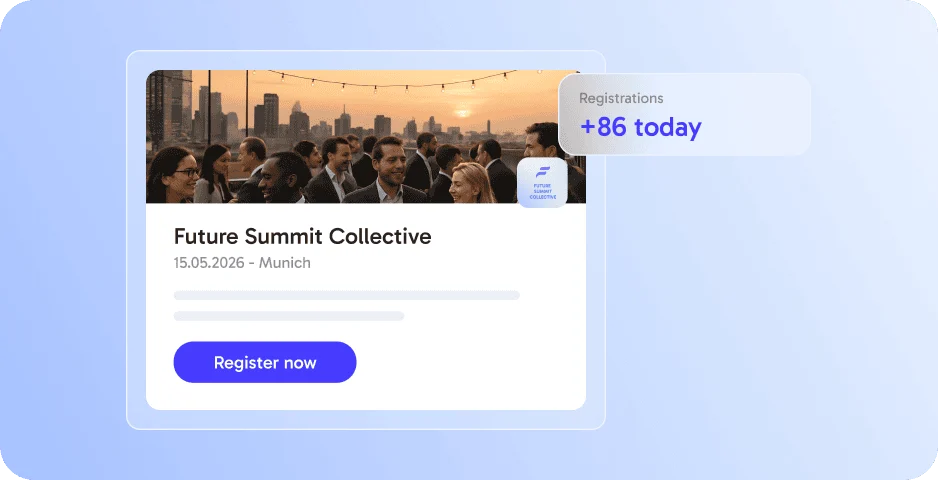
Create fully branded landing pages for campaigns or highlights. 👉 Drive attention where it matters most.
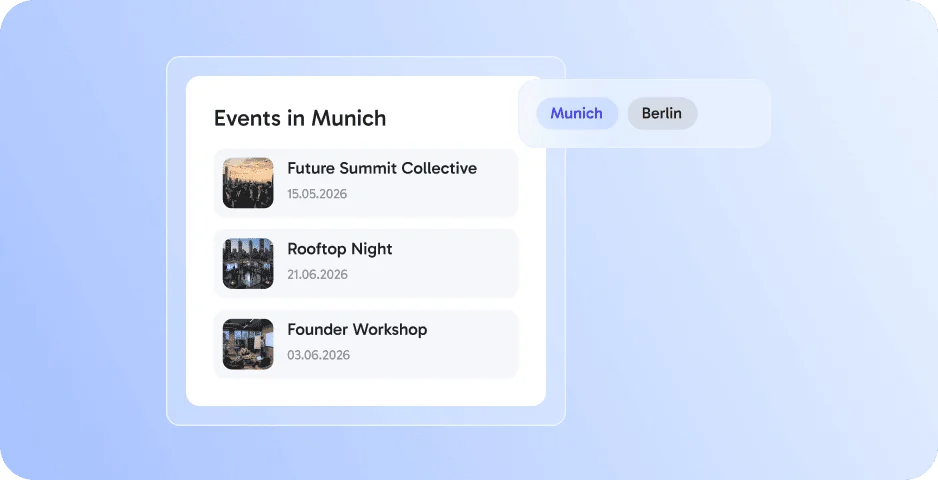
Build dedicated calendar pages by topic, city, brand, or event type. 👉 Present all events at a glance.
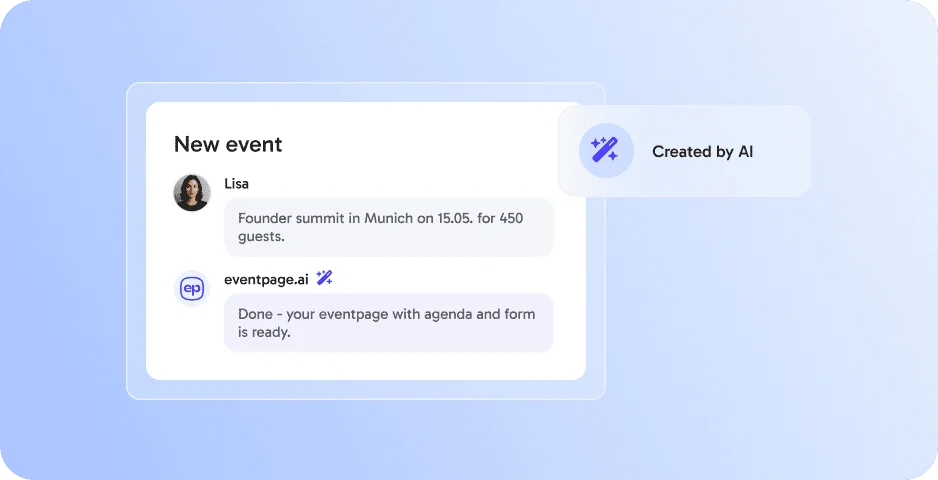
Let AI do the heavy lifting: generate complete event pages, texts, and structures in minutes. 👉 Save time & launch faster.
SEO Settings works best together with these features - all in one platform, without extra tools.
SEO Settings let you set the page title, meta description and link preview of your eventpage for search engines and social media.
Yes. You can define the image and text shown when your eventpage is shared.
Clear titles and descriptions help search engines understand and show your eventpage.
No. All settings are simple fields in your event settings.
By submitting the form, I confirm that I have read the privacy policy and agree to the processing of my personal data by eventpage.ai for the stated purposes. In case of consent, I can revoke my agreement at any time.