What you can do with Live Collaboration

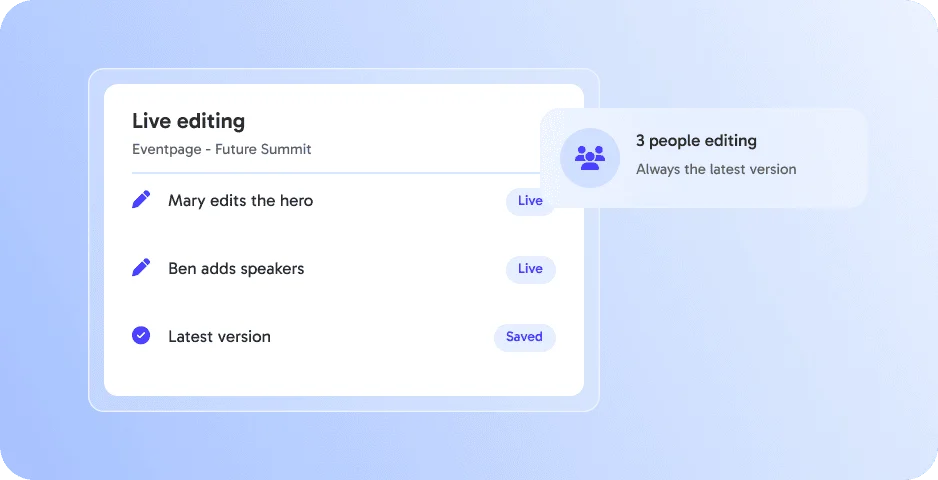
Real-time editing

Everyone works on the latest version. 👉 Speed up planning.

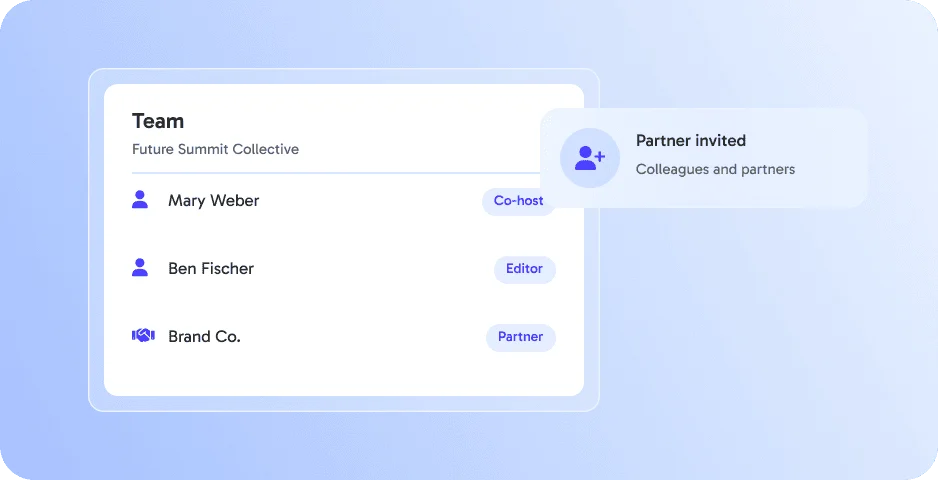
Co-hosts & teams

Invite colleagues and partners. 👉 Cut down on back-and-forth.

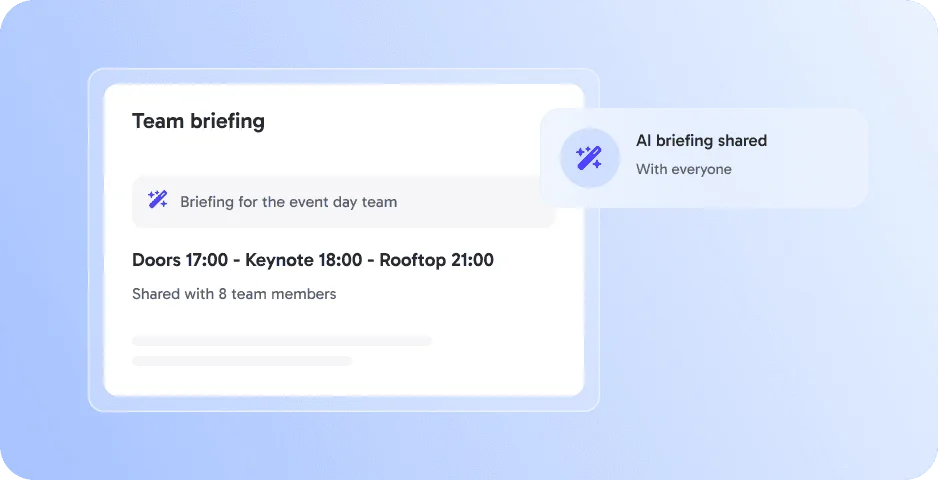
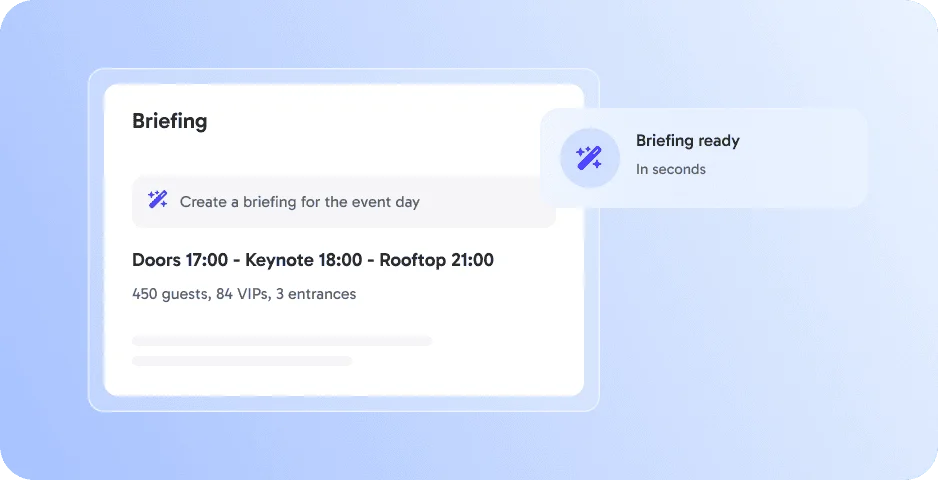
AI briefings for the team

Share an AI-generated briefing with everyone. 👉 Keep everyone aligned.

Works perfectly with

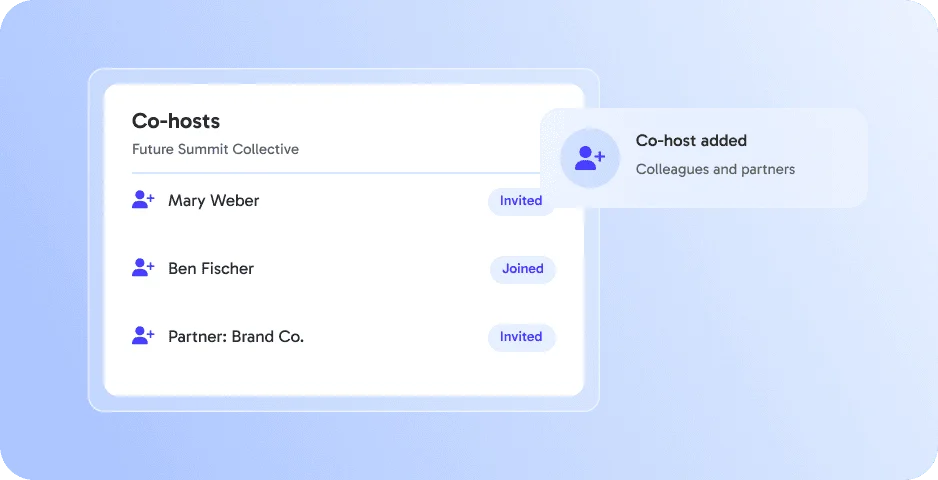
Co-Host ‑ collaborate seamlessly without losing control

Invite additional hosts to manage an event together. 👉 Collaborate seamlessly without losing control.

AI Briefing ‑ professional briefs at your fingertips

Create professional event briefs & summaries for your team or stakeholders. 👉 Communicate clearly and keep everyone aligned.

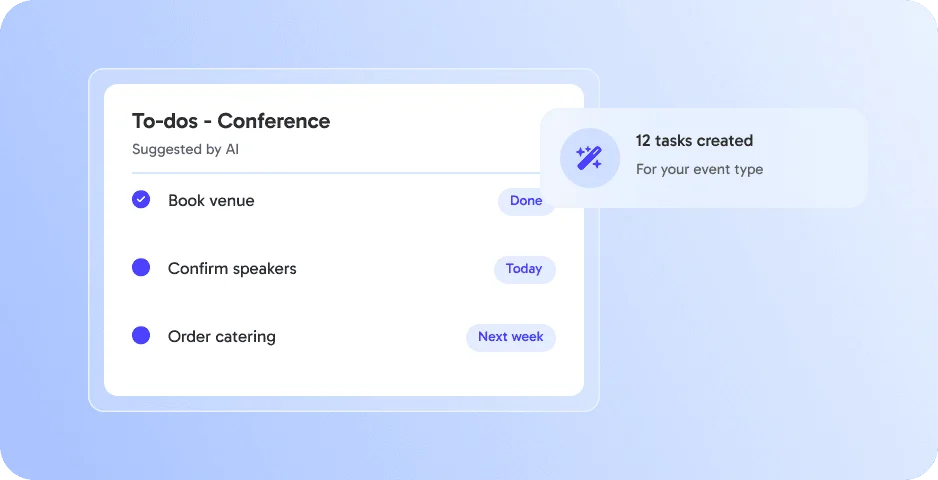
AI To-Do List ‑ stay organized with smart task planning

Get AI-generated task lists tailored to your event type and size. 👉 Stay on track with smart, automated planning.

Everything else you need for your event

Live Collaboration works best together with these features - all in one platform, without extra tools.

Live Collaboration - FAQ

Any questions about Live Collaboration?

Live Collaboration lets several users work on the same eventpage.ai event at the same time.

Yes. Everyone sees changes as they happen.

Co-hosts and team members you invite to the event.

Yes. Access Control and Role Management define permissions.

See Live Collaboration in action - book your demo

In 30 minutes we show you how Live Collaboration works for your events - live, tailored to your use case and your questions.

In your demo:

  • Live walkthrough of Live Collaboration
  • Setup for your events and your team
  • Best practices from similar events
  • Your questions answered - incl. pricing

Book your personal demo

By submitting the form, I confirm that I have read the privacy policy and agree to the processing of my personal data by eventpage.ai for the stated purposes. In case of consent, I can revoke my agreement at any time.