What you can do with Export & Reporting

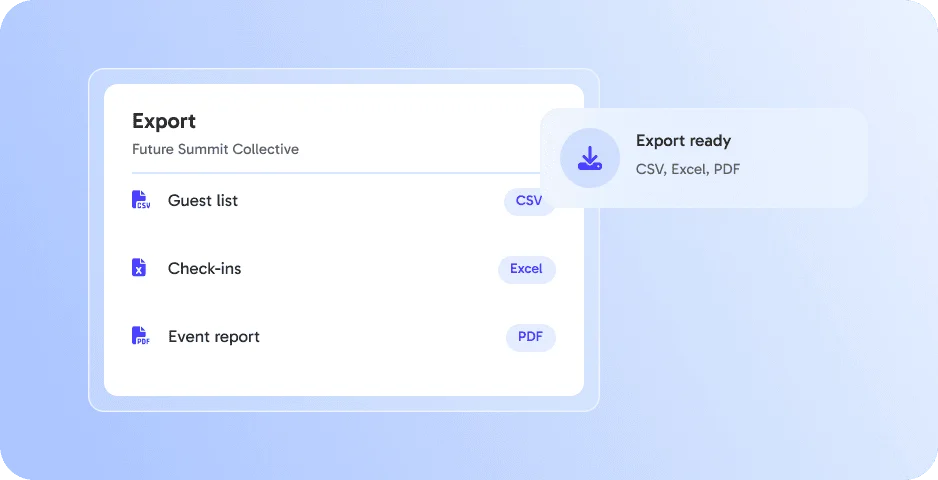
Exports in every format

Download data as CSV, Excel or PDF. 👉 Impress clients without extra work.

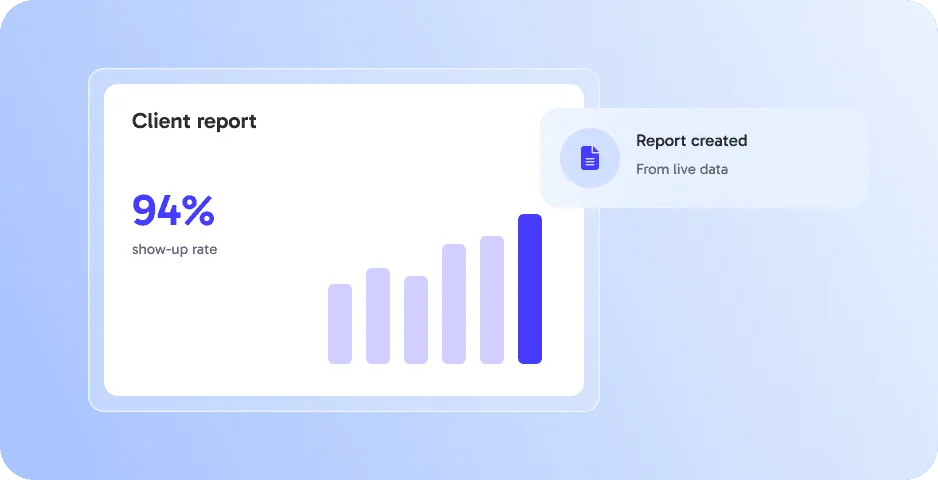
Reports from live data

Use your dashboard data for client reports. 👉 Always up to date.

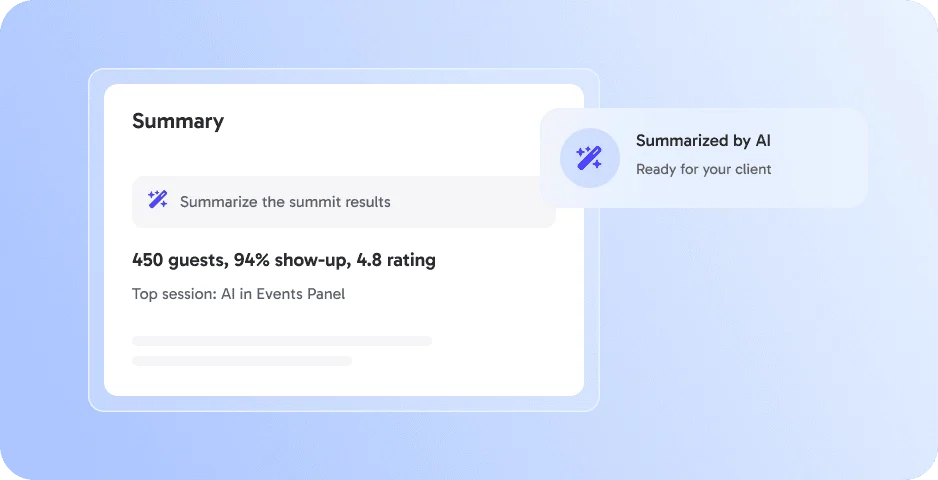
Summaries with AI

Let AI summarize your event results. 👉 Ready for your next meeting.

Works perfectly with

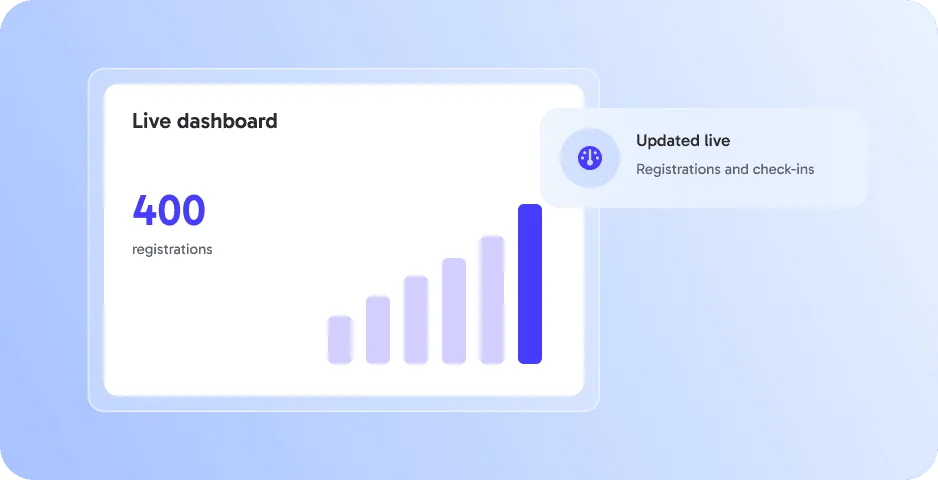
Real-Time Dashboard

Monitor live event data such as registrations, check-ins, and no-shows as they happen. 👉 Stay in control and make smarter on-site decisions.

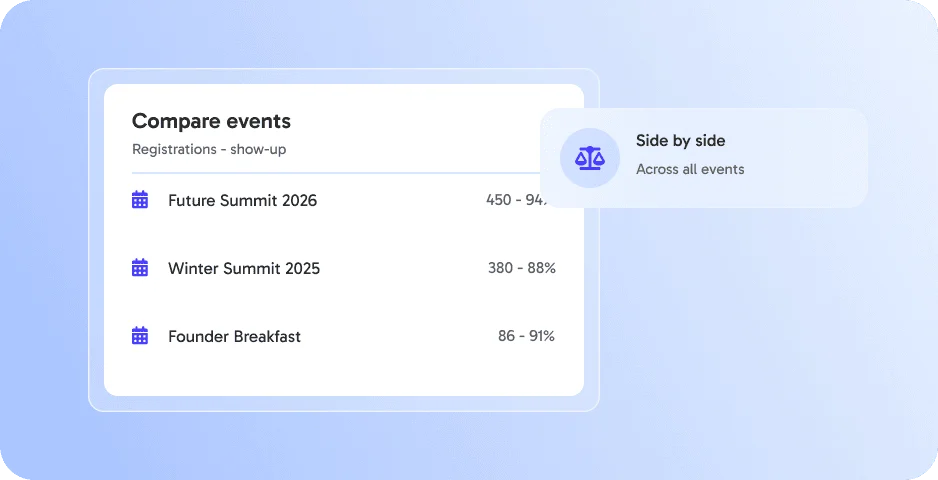
Cross-Event Analytics

Compare and analyze performance across multiple events over time. 👉 Identify patterns, improve planning, and boost ROI long term.

AI Briefing ‑ professional briefs at your fingertips

Create professional event briefs & summaries for your team or stakeholders. 👉 Communicate clearly and keep everyone aligned.

Everything else you need for your event

Export & Reporting works best together with these features - all in one platform, without extra tools.

Export & Reporting - FAQ

Any questions about Export & Reporting?

Export & Reporting is an eventpage.ai feature to export guest lists, attendance and analytics as CSV, Excel or PDF.

Guest lists, attendance records and analytics.

CSV, Excel and PDF.

Agencies and teams that report event results to clients or management.

See Export & Reporting in action - book your demo

In 30 minutes we show you how Export & Reporting works for your events - live, tailored to your use case and your questions.

In your demo:

  • Live walkthrough of Export & Reporting
  • Setup for your events and your team
  • Best practices from similar events
  • Your questions answered - incl. pricing

Book your personal demo

By submitting the form, I confirm that I have read the privacy policy and agree to the processing of my personal data by eventpage.ai for the stated purposes. In case of consent, I can revoke my agreement at any time.