Import from CSV & Excel
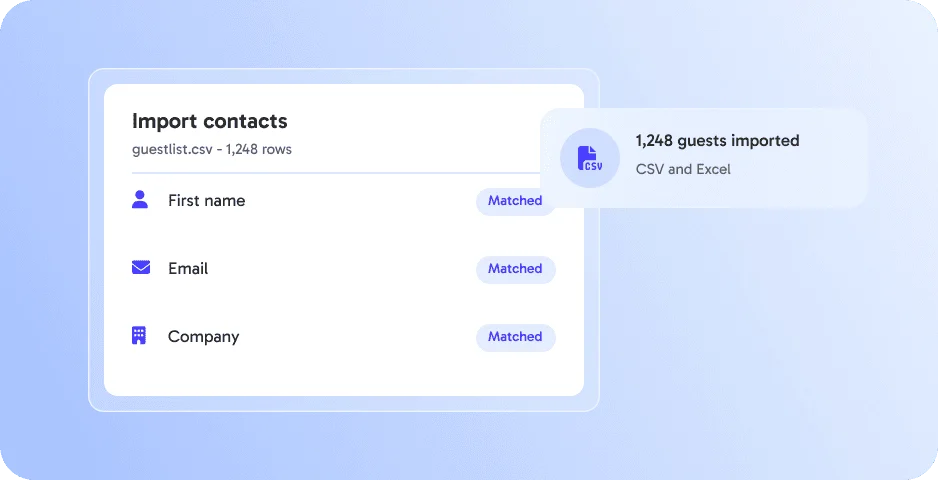
Upload your existing lists and map the columns in a few clicks. 👉 Save time and avoid manual work.




Upload your existing lists and map the columns in a few clicks. 👉 Save time and avoid manual work.
Invite guests from previous events with one click. 👉 Build on your existing community.
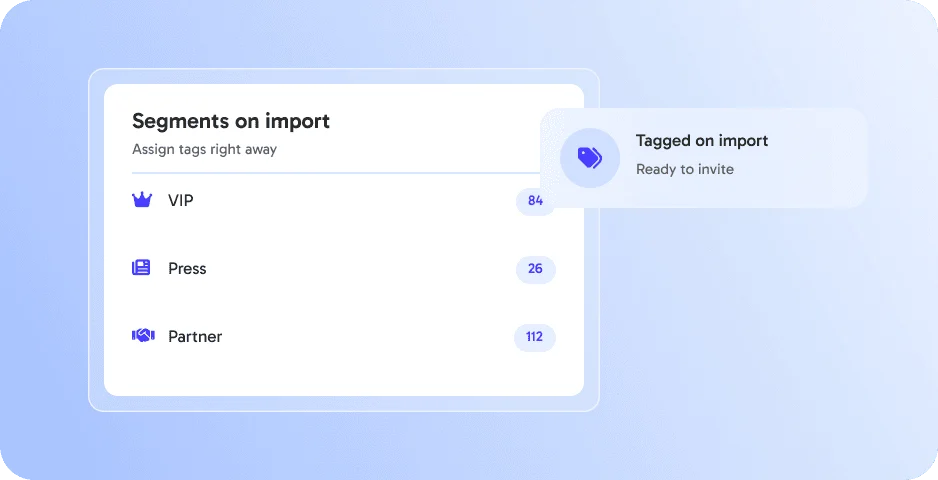
Assign tags like VIP, press or partner during the import. 👉 Ready for targeted communication.
Send personalized invitations directly from your eventpage workspace. 👉 Keep communication simple and professional.
Instantly send tailored updates, reminders, or last-minute changes to specific guest segments with one click. 👉 Keep your communication relevant and timely.
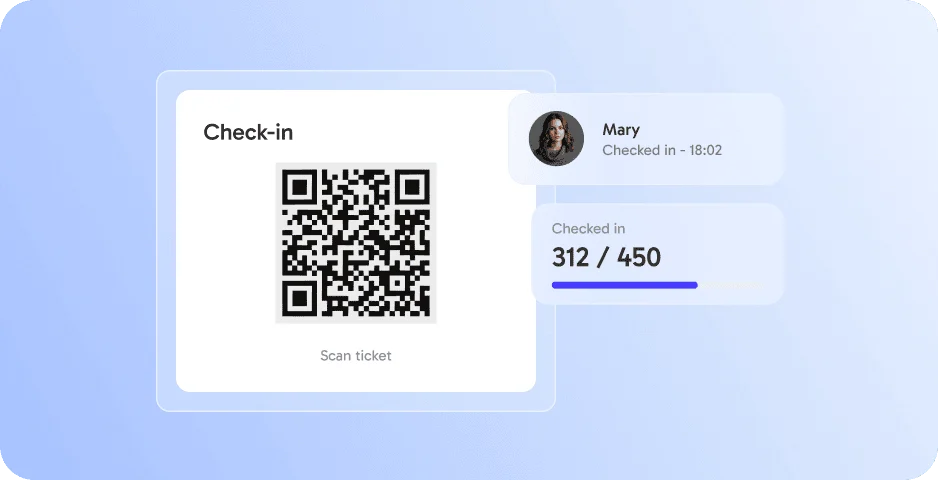
Eliminate queues and paper lists with QR-code check-in. Your team sees live stats in real time. Enterprise clients can fully white-label the app. 👉 Deliver a smooth and professional first impression.
Guest Import works best together with these features - all in one platform, without extra tools.
Guest Import is a feature of eventpage.ai to upload guest lists from CSV or Excel files or reuse guests from past events.
CSV and Excel files.
Yes. You can import guests from your past events.
Your guests appear in the guest list and can be invited right away.
By submitting the form, I confirm that I have read the privacy policy and agree to the processing of my personal data by eventpage.ai for the stated purposes. In case of consent, I can revoke my agreement at any time.