Separate workspaces
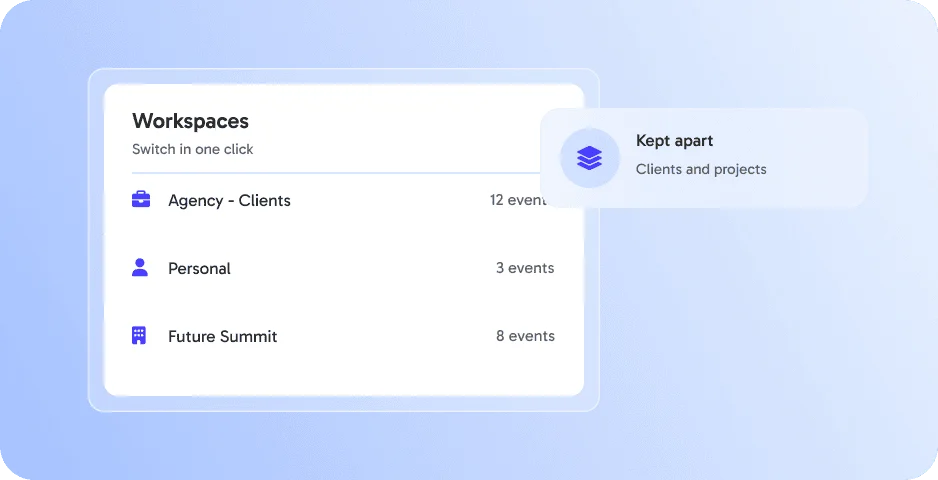
Keep personal projects and client events apart. 👉 Neatly separated.




Keep personal projects and client events apart. 👉 Neatly separated.
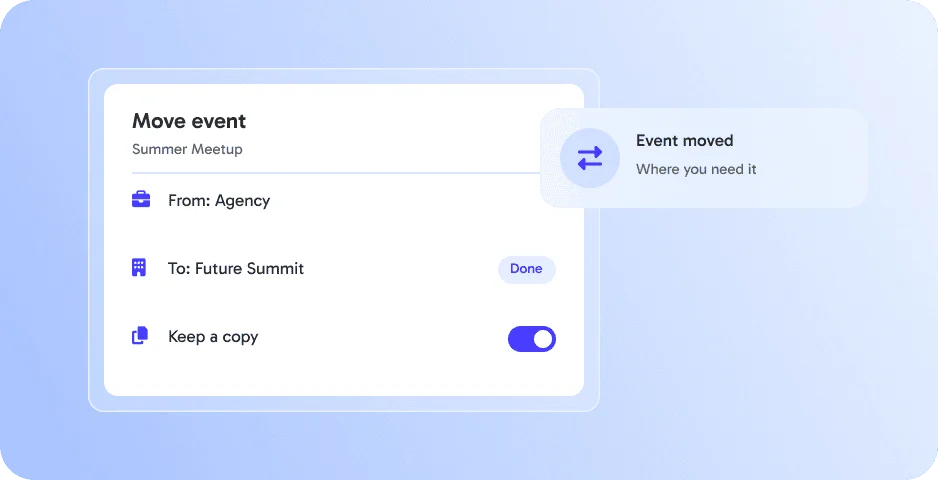
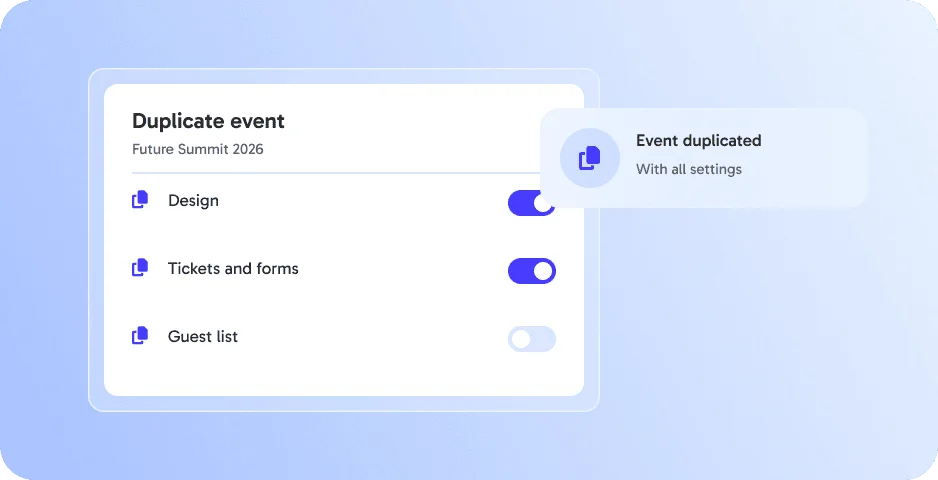
Duplicate or move events where you need them. 👉 Reuse setups.
Move or duplicate events between different workspaces. 👉 Reuse setups and save time on recurring projects.
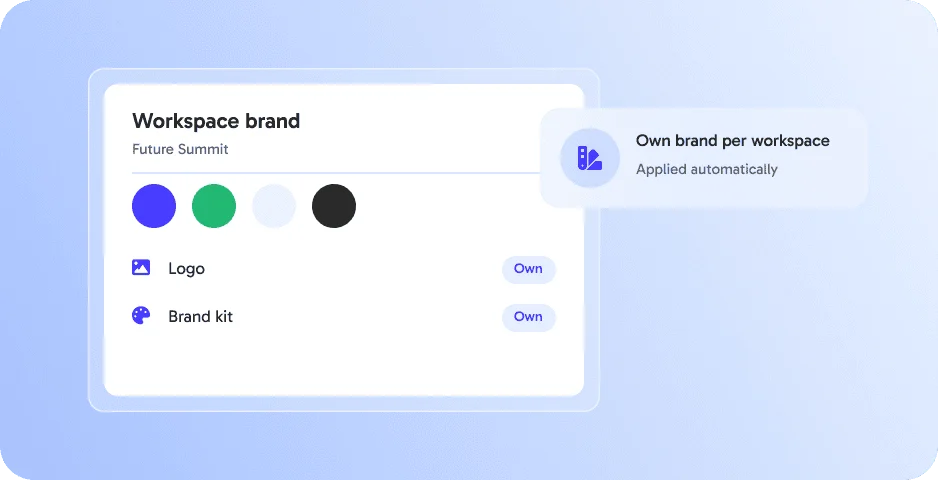
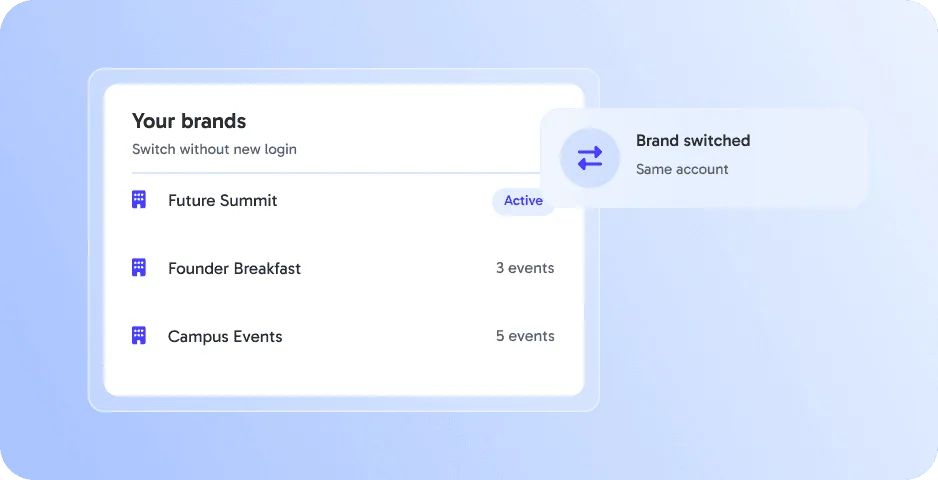
Manage multiple brands in a single workspace, perfect for agencies and multi-brand organizations. 👉 Switch seamlessly between clients or projects.
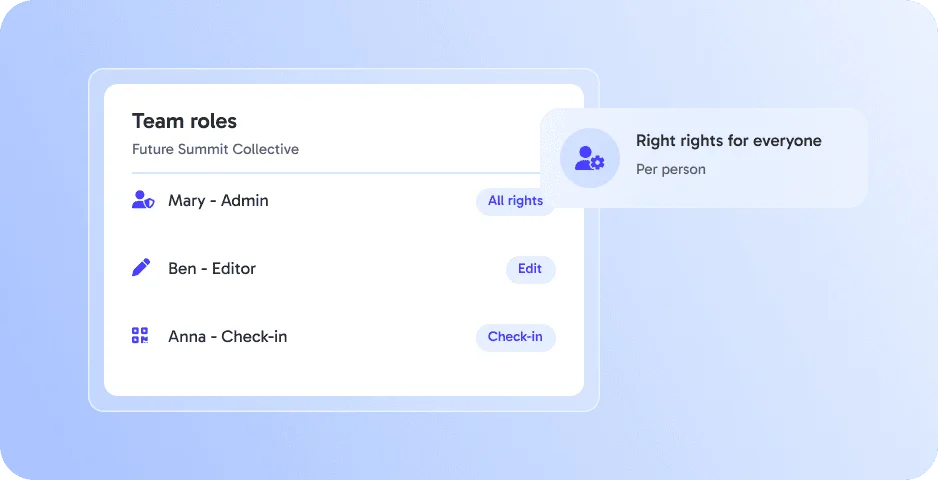
Assign roles like Admin, Host, Promoter, Check-in, or Viewer to your team. 👉 Ensure the right people have the right access.
Multi-Workspaces works best together with these features - all in one platform, without extra tools.
Multi-Workspaces is an eventpage.ai feature to switch between private and several business workspaces.
Yes. Switch between your private and business workspaces at any time.
Agencies, freelancers and teams that work for several clients or brands.
Yes, with Workspace Transfer.
By submitting the form, I confirm that I have read the privacy policy and agree to the processing of my personal data by eventpage.ai for the stated purposes. In case of consent, I can revoke my agreement at any time.