By city
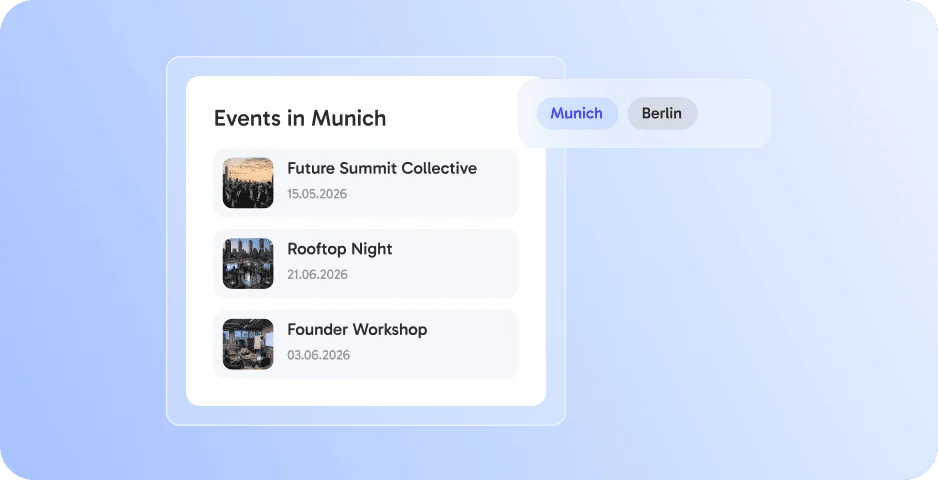
Show events per location.




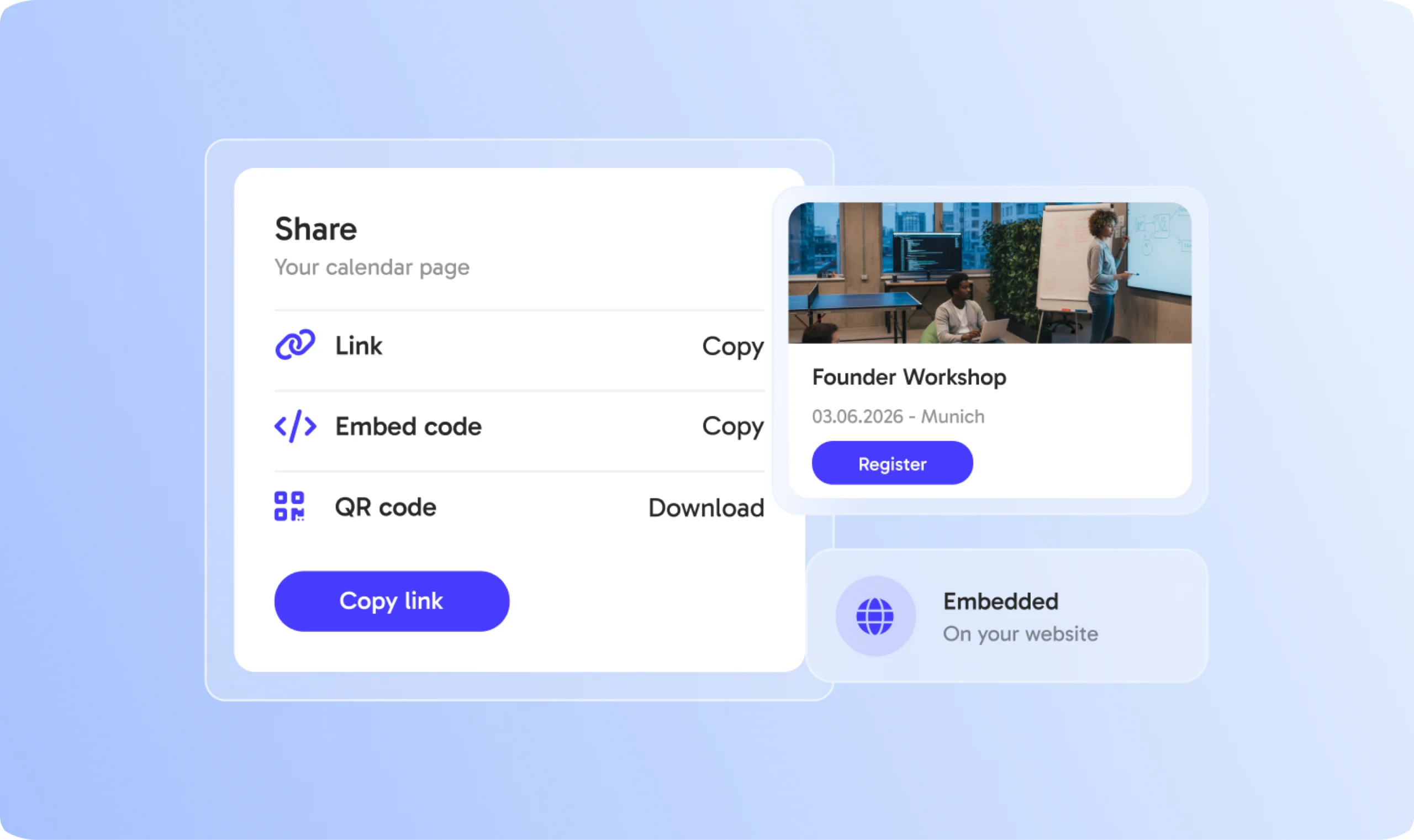










































Present every upcoming event on one branded page.

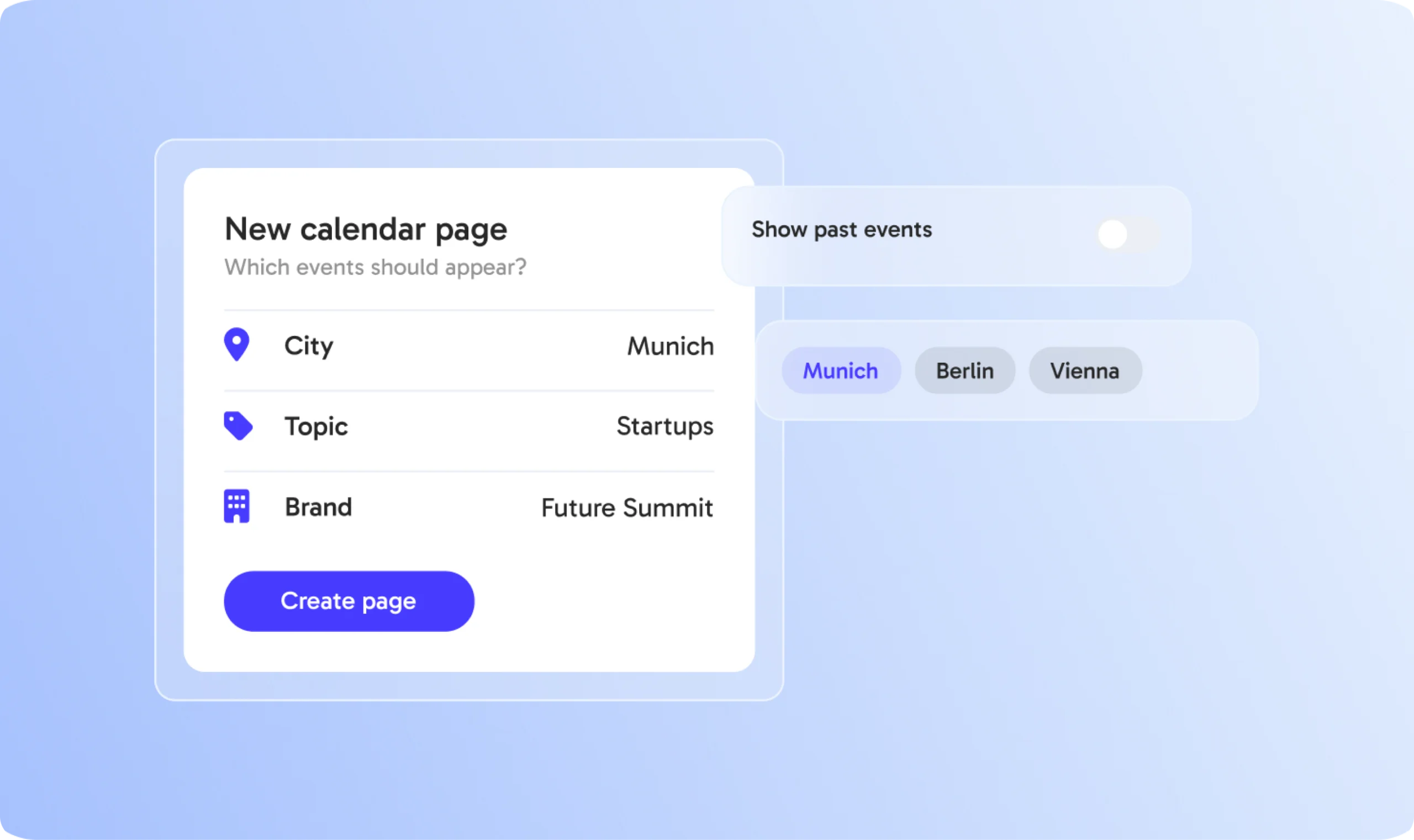
Create calendar pages for cities, topics, brands or event types.

Send one link instead of many - always up to date.

Show your calendar directly on your own website.

Your colors and logo on every calendar page.

Instead of many single links.
Through better discoverability.
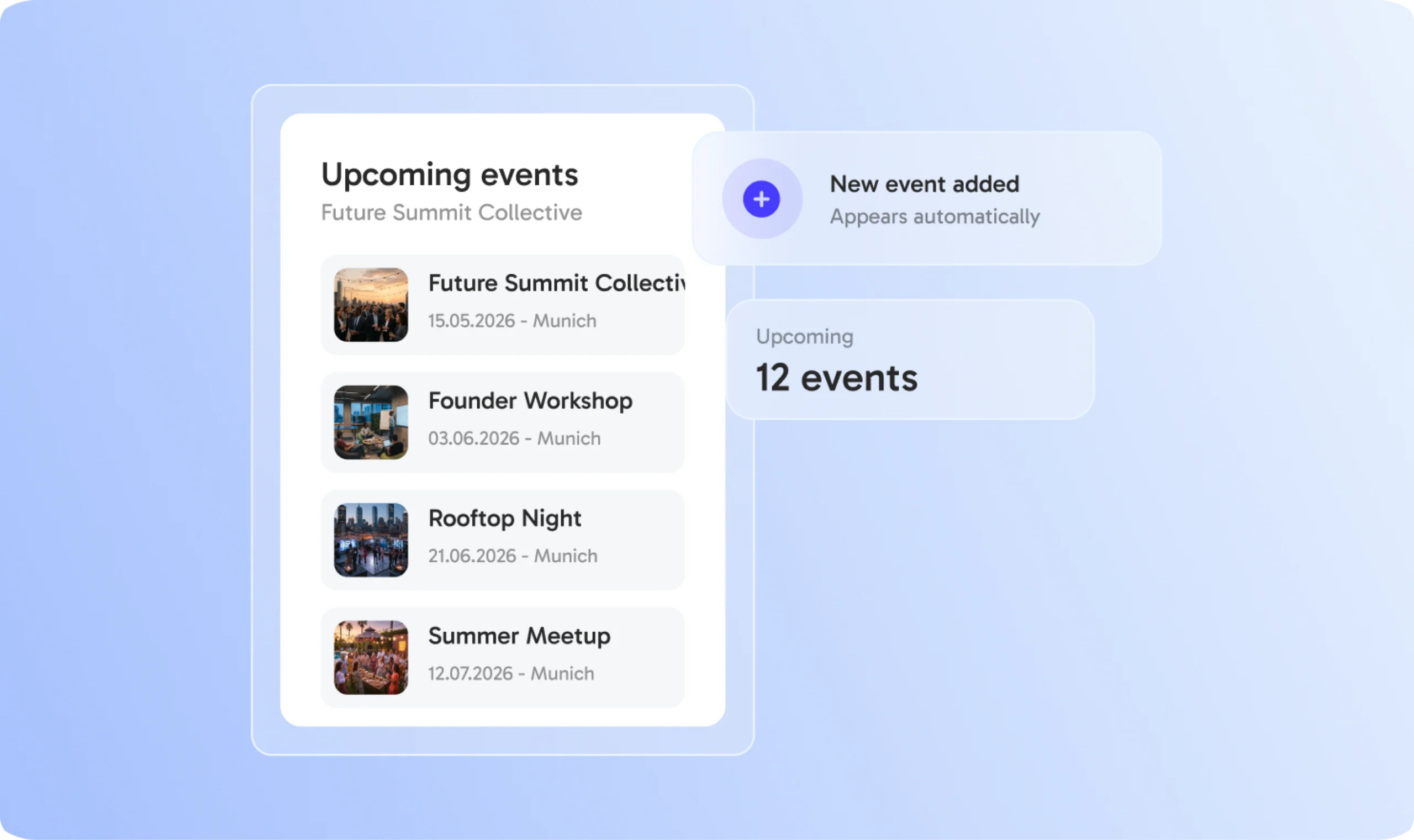
New events appear automatically.
In your design.
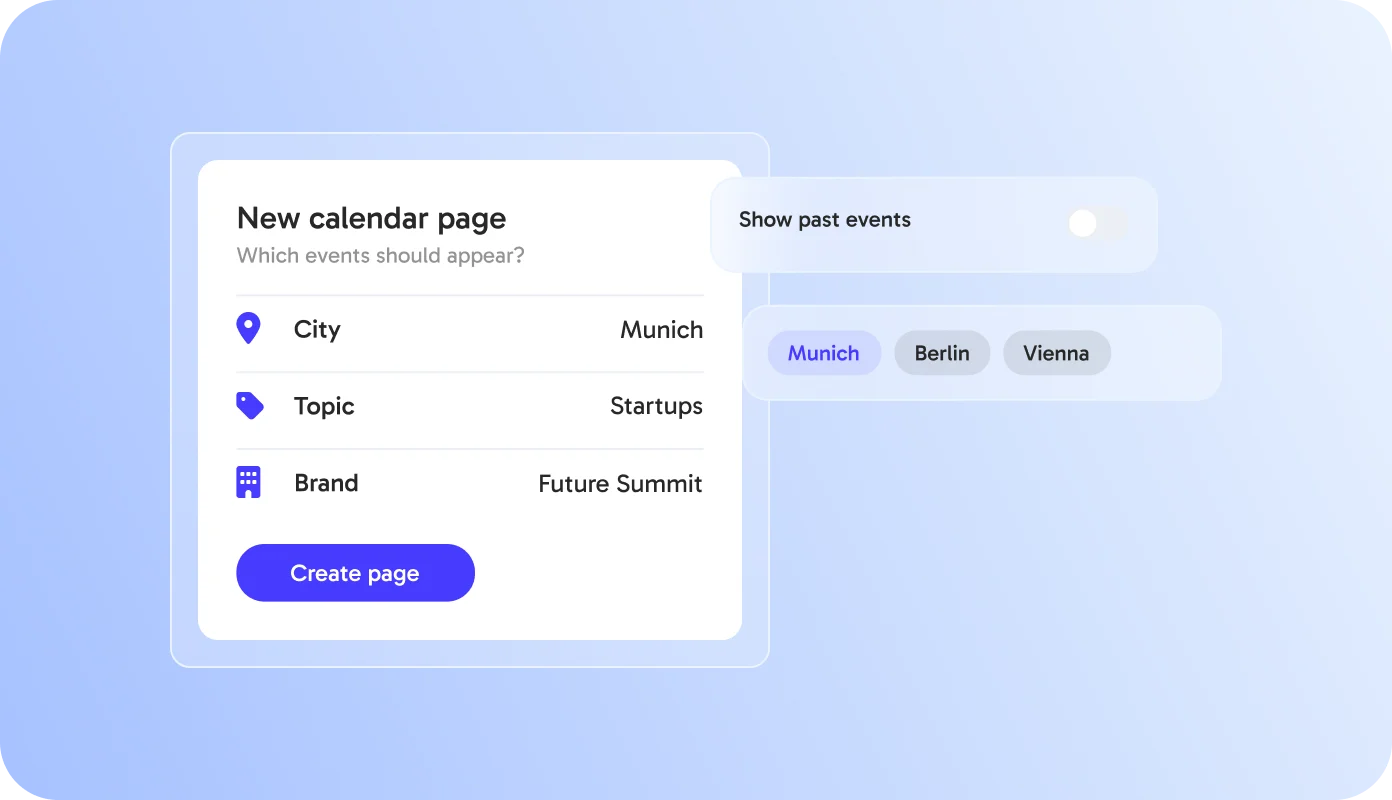
Step 1
Define which events belong on your calendar page - by city, topic or brand. One page shows your whole program.
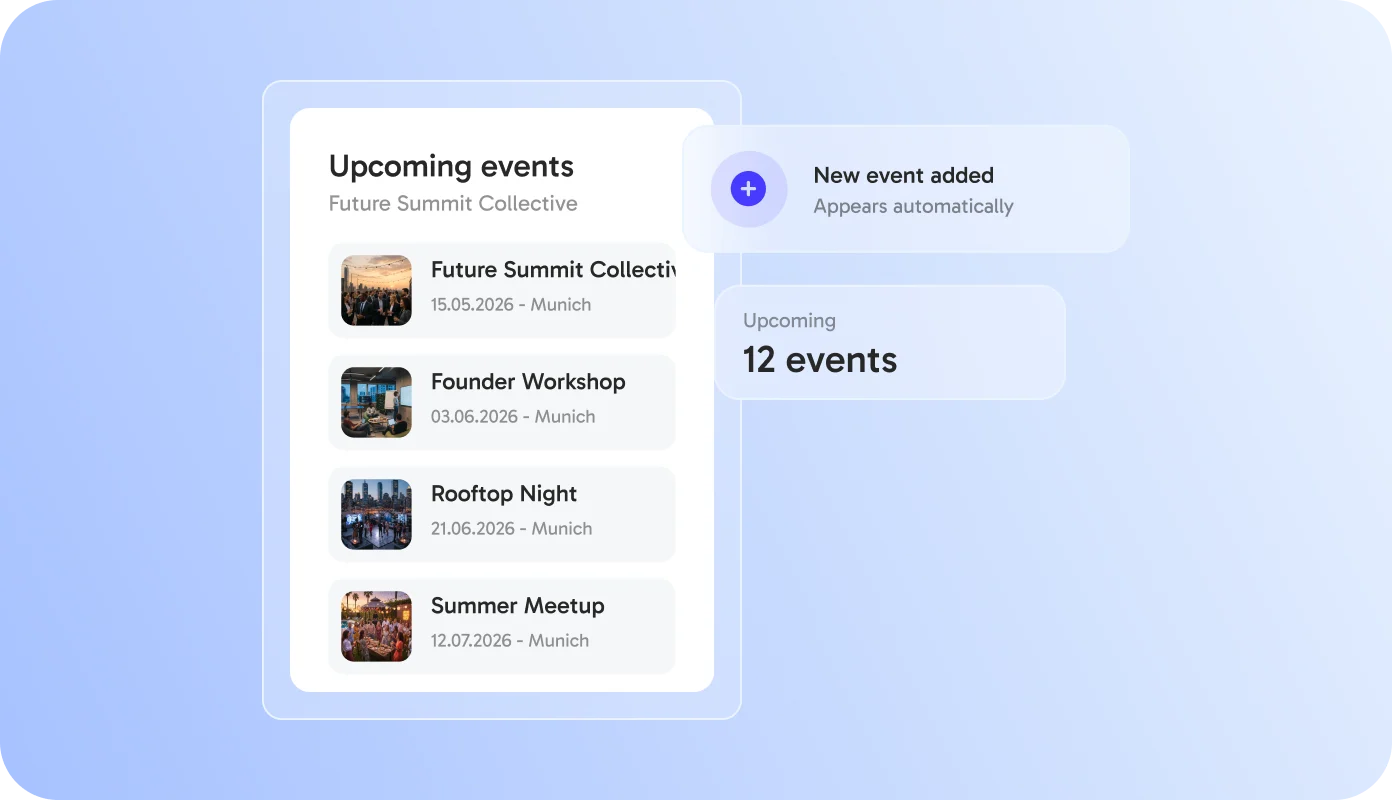
Step 2
New events appear automatically as soon as you publish them, past events disappear. Your calendar page is always up to date.
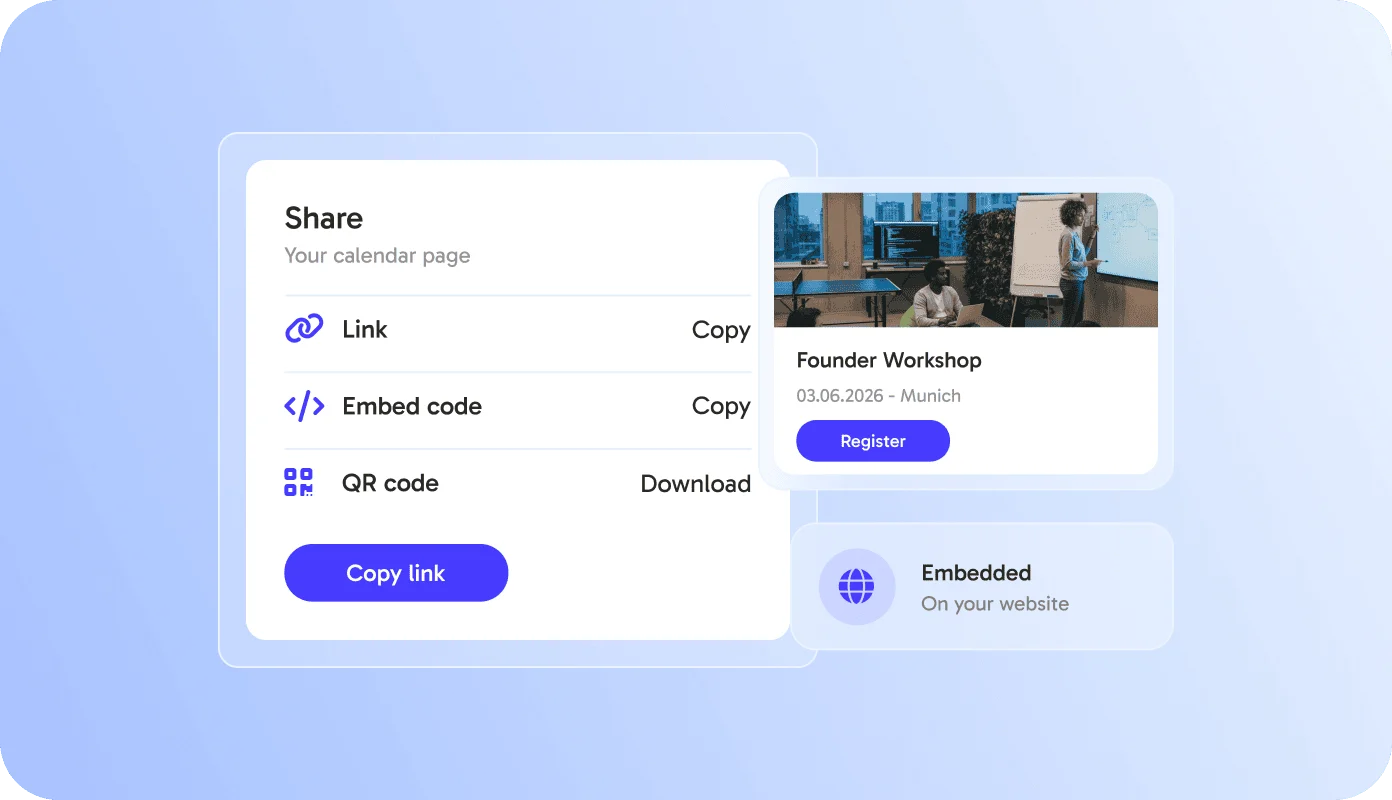
Step 3
Share your calendar page as a link or embed it on your website. Guests find every date and register directly.
One calendar for everything or many calendars for different audiences - you decide.
Show events per location.
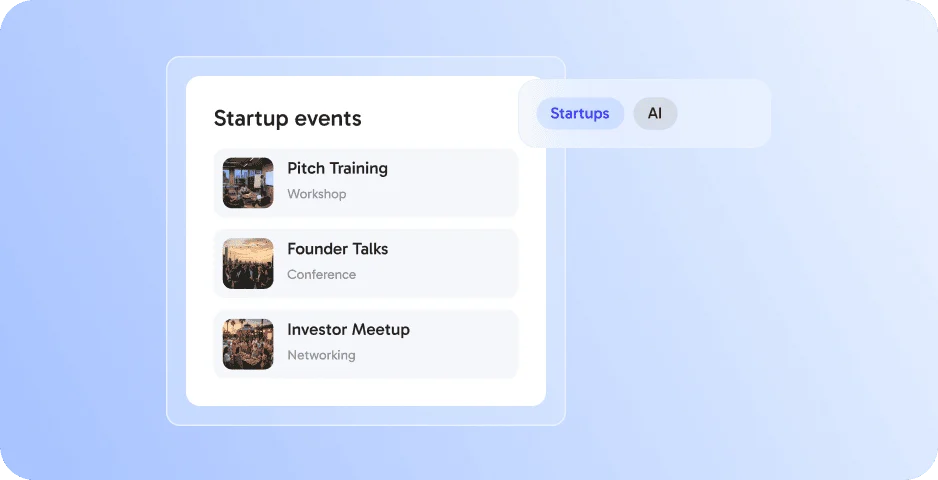
Group events by topic or format.
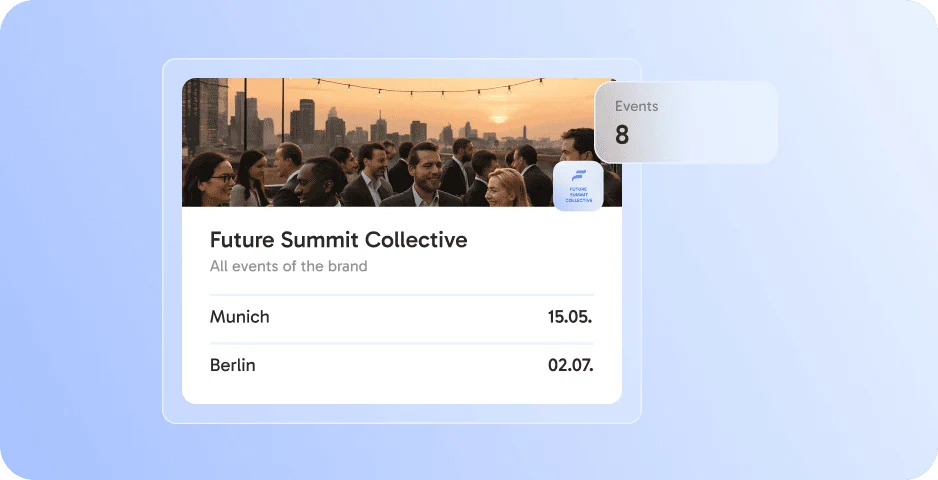
One calendar per brand or client.
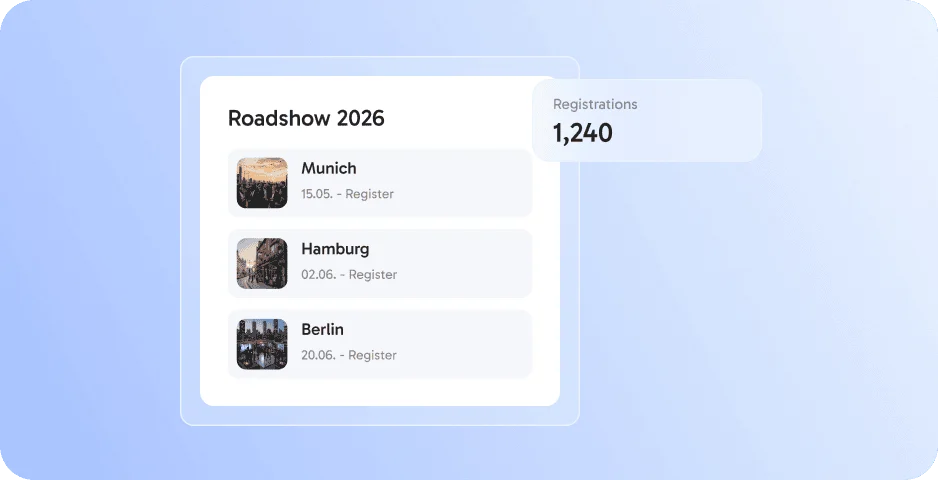
Show every date of your tour on one page, with a page per city and registration per date. New dates appear automatically, so it is always up to date.
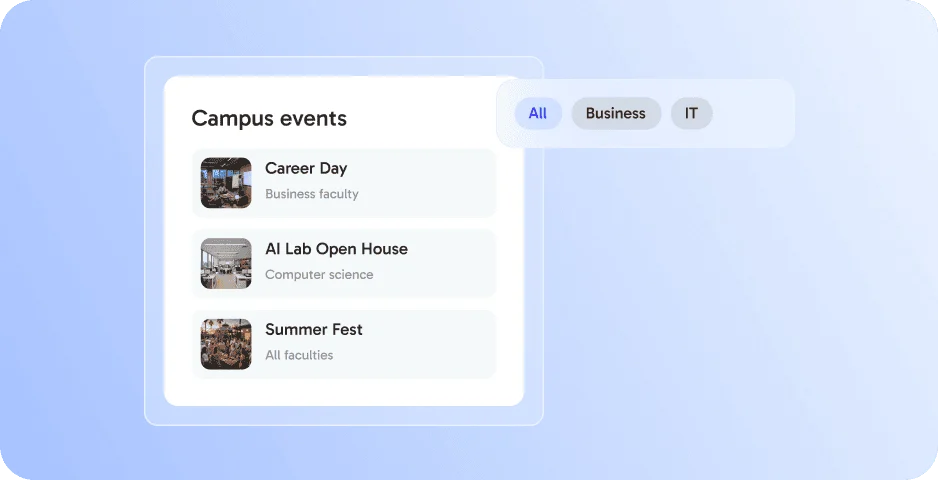
Bring all campus events into one place. Students filter by faculty or topic, sign up in seconds, and you embed the calendar on your website.
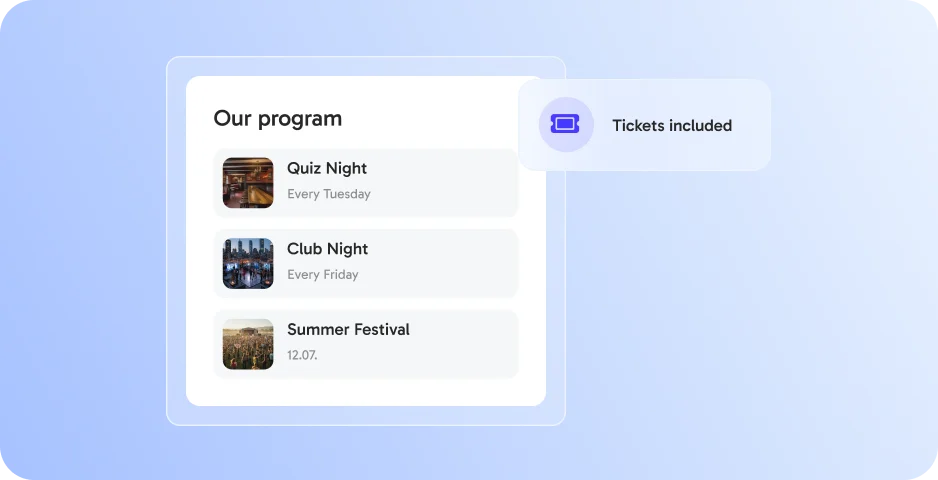
Publish your weekly and monthly program on one calendar page, with tickets included. Share it with your members via Eventlink Bio.
Calendar Pages works best together with these features - all in one platform, without extra tools.
A calendar page in eventpage.ai is a public page that lists several of your events in one place, grouped by city, topic or brand.
No. New events appear automatically as soon as you publish them, and past events disappear.
Yes. You can share the calendar page as a link or embed it on your website with a code snippet.
Yes. Each event links to its eventpage, where guests register or buy tickets.
Event series and roadshows, universities, clubs and communities use calendar pages to show their full program.
By submitting the form, I confirm that I have read the privacy policy and agree to the processing of my personal data by eventpage.ai for the stated purposes. In case of consent, I can revoke my agreement at any time.